

Now would be a good time to update your WordPress website. Google has now began sending out warning messages to update older WordPress websites. Keep in mind, this is not the warning you get when you open the WordPress CMS (“dashboard”), but rather it is a warning notification from Google. The notification informs those who are running on an outdated WordPress version and the installation steps to update to the latest version. Here is a screen shot:
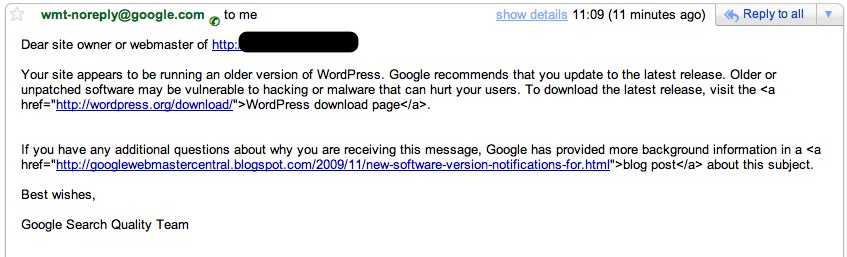
The e-mail or message in Google Webmaster Tools tells you that your site appears to be running an older version of WordPress and that you should update because otherwise your site may be vulnerable to hacking (attacks) or malware, which can all lead to a site being removed from the Google index.
Not-upgraded WordPress sites are fairly easily hackable and therefore a possible danger from spammers and hackers, which can lead to lower SERP (search engine results page).
Finding a webpage’s WordPress version is as simple as two clicks: “right click” then “viewpage source” and search for “<meta name=”generator”
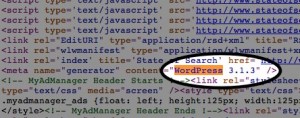
content=”WordPress ###” />,” where “###” represents the WordPress version used.
On Mozilla Firefox, it’s even simpler:”right click” then “view page info,” where it will say “generator” and across from that “WordPress ###.”

Matt Cutts of Google confirmed the new notifications via Twitter by saying, “we’re kicking off a fresh run to inform webmasters with out-of-date/insecure versions of WordPress.”





 RSS
RSS Facebook
 Google+
 LinkedIn
 Twitter


